
How to get the speed limit in Google Maps
A practical guide to the Google Roads API Speed Limits endpoint - how it works, where the data comes from, and how to use it in mobility apps.


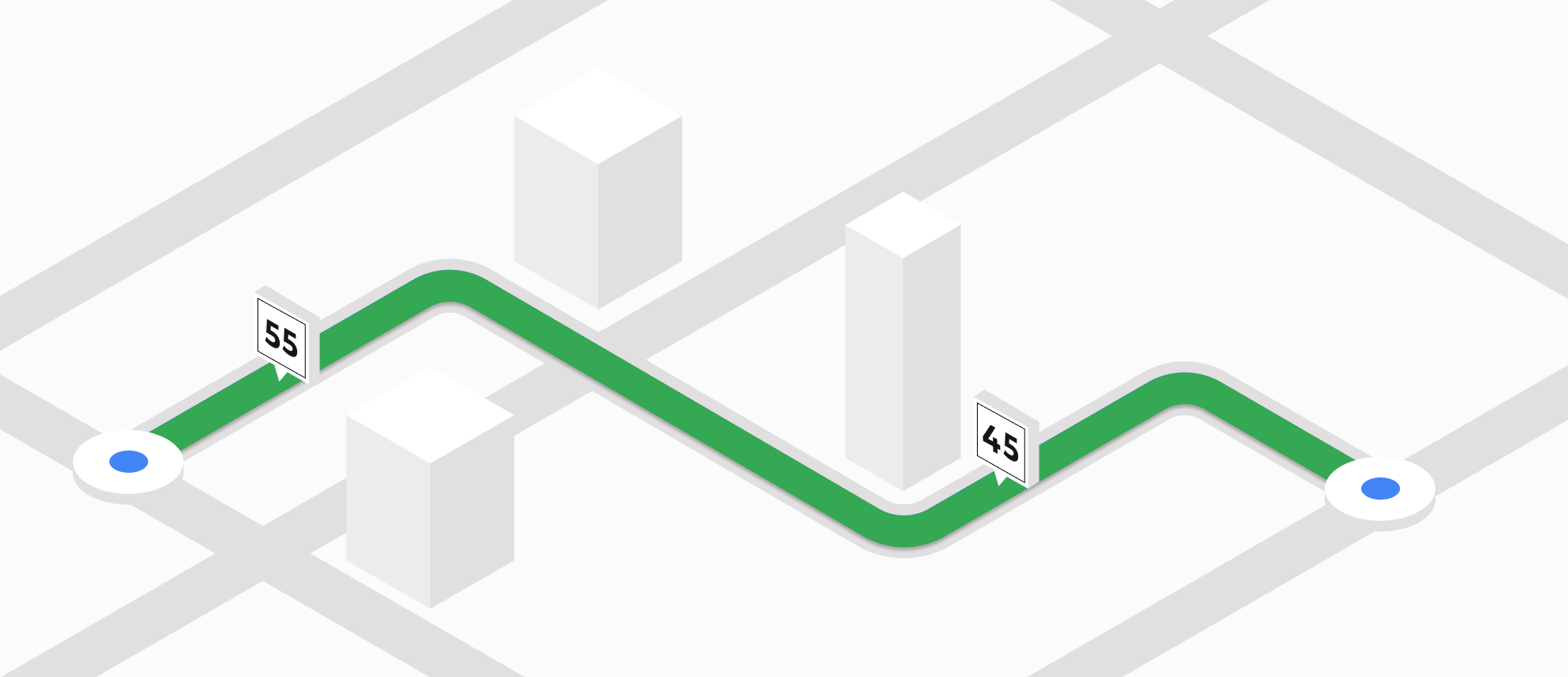
If you use Google Maps for in-vehicle navigation with CarPlay or Android Auto, you would have noticed a new feature that displays a speedometer with your current speed and compares it to the posted speed limit of the road you're on.
It’s easy to calculate your current speed. It’s just basic high school math: speed = distance divided by time. You measure the distance between consecutive GPS points, divide by the time interval between pings, and you’ve got your speed.
But how does Google know what the speed limit is? That’s where the Speed Limits endpoint of the Google Roads API comes in. In this blog post, I’ll walk you through how to use the Roads API to retrieve speed limits and incorporate them into your app. We’ll look at pricing, explore what kinds of applications benefit from speed limit data, and consider alternative approaches that offer similar functionality at a lower cost.
Part 1: The Google Roads API: Map matching, speed limits and more
Part 2: Clean up noisy GPS data with the Google Snap to Roads API
Part 3: How to get the speed limit in Google Maps (this article)
What is the Speed Limits endpoint of the Google Roads API?
The Speed Limits endpoint of the Google Roads API (referred to here as the Speed Limits API) provides the legal speed limit for a given road segment. You can call the API using either a GPS path or a placeId, and it will return the maximum allowed driving speed for the corresponding road.
Google Speed Limits API use cases
In general, there are three main use cases for the Speed Limits API:
- Fleet management and telematics platforms such as Geotab, Samsara or Verizon Connect use the Speed Limits API to detect and flag speeding events by comparing GPS-based speed to legal limits. Many of their customers are large commercial fleets that need to ensure drivers stay within legal speed limits for insurance and safety reasons. Since these platforms already collect vehicle speed and GPS location data, it’s easy to take the additional step of calling the Speed Limits API to determine whether a driver exceeded the posted speed at any point along their route.
- Many insurance companies now rely on mobile apps and telematics to monitor driving behavior, personalize pricing, and promote safer driving. Programs like Allstate Drivewise, Progressive Snapshot and Geico DriveEasy collect GPS data during trips and use the Speed Limits endpoint to determine whether the driver was speeding.
- Embedded navigation apps like WeSpeed improve the driving experience by offering real-time speed, navigation, and traffic safety information (such as recent accident locations) using a simple user interface with minimal setup. They use the Speed Limits API to display the posted speed limit for the current road and alert drivers when they exceed it.
Where does Google get speed limit data from?
It might seem counterintuitive, but speed limit data is surprisingly hard to access. For example, you can't simply view speed limits by browsing in Google Maps. They only appear during turn-by-turn navigation, and even then, this feature is only available in select countries like the United States and Canada.
The best source of publicly available speed data I've found online comes from OpenStreetMap. You can use the OpenStreetBrowser and filter your search results by using categories=car_maxspeed.
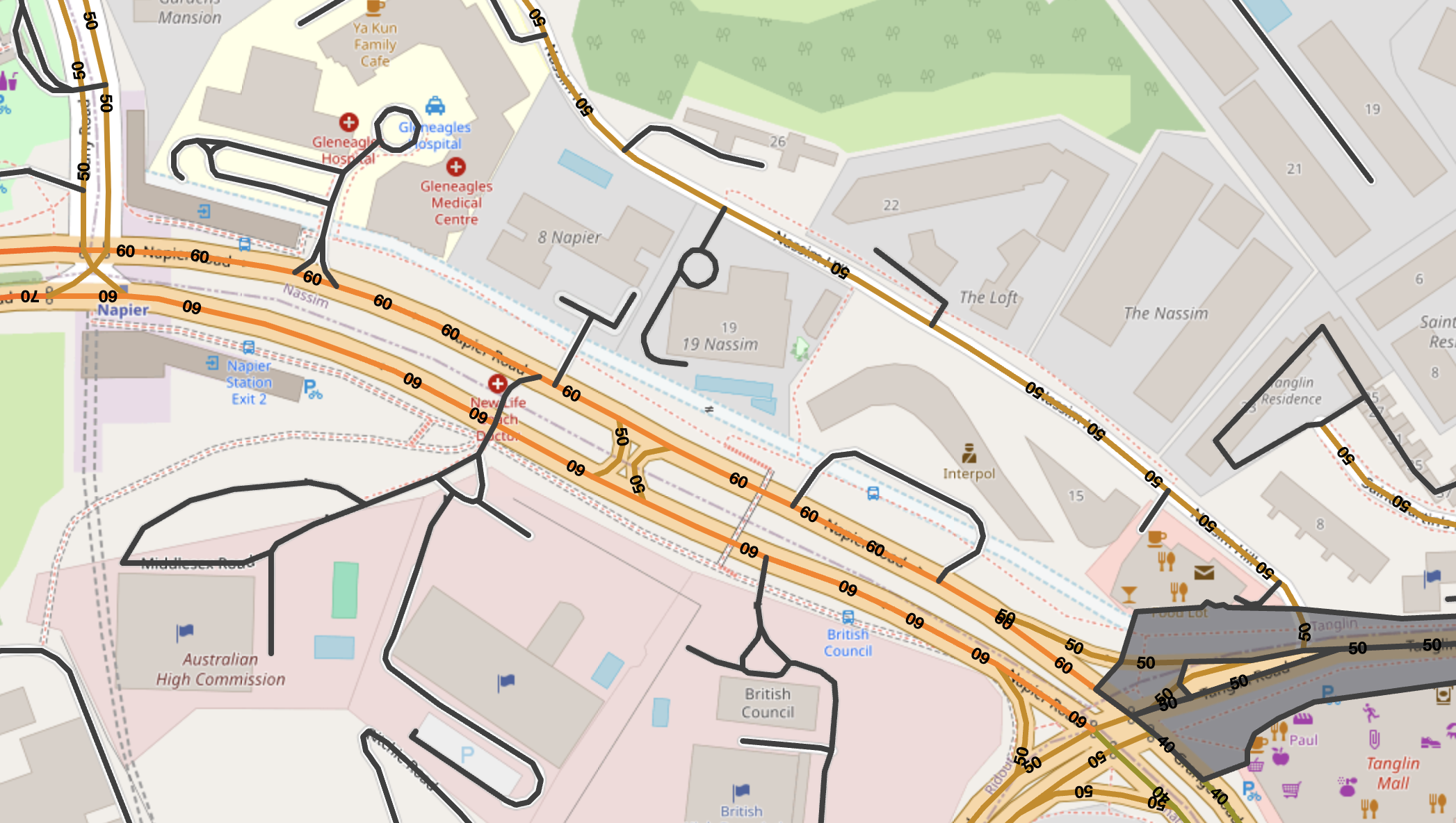
For liability reasons, Google likely doesn’t rely on open‑source data for speed limits. Instead, it uses commercial data partnerships with companies like INRIX, a global traffic analytics provider, along with data collected from Google Street View.
Google Speed Limits API example
Here's a simple example showing how to request the speed limit for a road in Singapore (Holland Road in Bukit Timah, near the Orchard commercial district).
Endpoint: GET
https://roads.googleapis.com/v1/speedLimits?placeId={PLACE_ID}&key={YOUR_API_KEY}{YOUR_API_KEY} is the is your Google Maps API key with the Roads API enabled.
{PLACE_ID} is the Google place ID representing one or more road segments. You can pass up to 100 place IDs by adding a separate placeId parameter to each request. You can also pass in a list of up to 100 latitude/longitude pairs representing a path e.g. path=60.170880,24.942795|60.170879,24.94279. If you do, The Speed Limits API will snap the path to the most likely road traveled by a vehicle (as it does for the Snap to Roads request), then determine the speed limit for the relevant road segment.
Endpoint: GET
https://roads.googleapis.com/v1/speedLimits?placeId=ChIJv0j6syEa2jERDIXsFONOtg8&key={YOUR_API_KEY}
Response
{
  "speedLimits": [
    {
      placeId: "ChIJv0j6syEa2jERDIXsFONOtg8",
      speedLimit: 70,
      units: "KPH"
    }
  ]
}
speedLimits is an array of road metadata. Each entry in speedLimits contains:
placeId, the unique identifier for a road segment (you can get more information about this road segment e.g. name, location etc by calling the Place Details API).speedLimit, the speed limit for that road segment.units, which is "MPH" in the United States and "KPH" everywhere else.
If you passed in the path parameter instead of placeId, the response will also include a snappedPoints array (the list of map matched points on the road segment).
Google Speed Limits API pricing
Here’s where things get tricky. Like other Google Maps Platform APIs, the Speed Limits API is billed per request, starting at $20.00 per 1,000 calls (CPM). But there’s a catch: to use it, you need to purchase a Google Maps Asset Tracking license, which costs around $10,000 per year (not a typo) and yes, that means talking to a Google sales rep. So why all the fuss for just another Google Maps API?
Google’s biggest concern here is liability. Take the Routes API, for example: if you’re a rideshare company using it to tell passengers their taxi will arrive in 10 minutes, but it actually takes 15 - no big deal. It’s just an ETA, and people are used to their driver being late anyway. But if the driver is told the speed limit is 75 mph when it’s actually 65 and they get pulled over for speeding, who’s responsible? In that case, the blame could potentially fall on Google or their data provider. That’s a much bigger liability risk.
Buying an Asset Tracking license helps offset Google’s liability risk and likely signals that the company using it is large (or well funded) enough to have commercial insurance in place to handle any issues that might arise during operations.
Google Speed Limits API alternatives
Not everyone can afford to spend $10,000 on a Google Asset Tracking license. Fortunately, there are several free and paid alternatives to the Speed Limits API. If you're looking to reduce costs by hosting your own mapping stack, you can use OpenStreetMap (OSM) with the Open Source Routing Machine (OSRM). By calling OSRM’s Nearest endpoint, you can snap a vehicle’s GPS location to the closest road. If the matched point corresponds to a road segment, it will include a maxspeed tag which you can extract and use in your own application.
If you want to save yourself the hassle of running your own OpenStreetMap instance, you could use a commercial mapping service such as HERE Maps or TomTom (my recommendation is TomTom, the documentation for the HERE Maps Route Matching API and HERE Map Attributes API is hilariously bad and has several pages missing).
In contrast, the documentation for the TomTom Snap to Roads API is straightforward. Make a GET request to https://api.tomtom.com/snapToRoads and make sure to include speedLimits in the fields parameter.
https://api.tomtom.com/snapToRoads/1?key={Your_API_Key}&points=4.6104919036936565,52.37576529649988;4.614096792595859,52.38341473290629&headings=0;0×tamps=2021-01-01T00:00:00Z;2021-01-01T00:01:00Z&fields={route{properties{id,speedLimits{value,unit,type}}}}&vehicleType=PassengerCar&measurementSystem=auto
How I think about the Google Speed Limits API
My gut feeling is that the Speed Limits API is something many companies want to buy, but Google isn’t particularly eager to sell. Google Maps can justify premium pricing for APIs that deliver fresh data with real‑time updates, like traffic or routing. Speed limits, on the other hand, change infrequently, and even when they do, the impact on day to day driving behavior is usually minimal.
If Google wants to seriously promote the Speed Limits API, it needs to decouple it from the Asset Tracking license and offer it as a standalone product. However, doing so could undermine the value of the Asset Tracking license itself and result in a net loss of revenue for the company.
Part 1: The Google Roads API: Map matching, speed limits and more
Part 2: Clean up noisy GPS data with the Google Snap to Road API
Part 3: How to get the speed limit in Google Maps
👋 As always, if you have any questions or suggestions for me, please reach out or say hello on LinkedIn.